
Wedding
One list across all your favorite stores, for guests to shop from.
Baby registry
Add the car seat from Target, the onesies from Walmart and the handmade blanket from Etsy to the same list. Put the link on the shower invitation, and guests mark what they’re buying.
Or start in your browser. Free, no subscription.

Start from our baby shower list or our picks for babies, keep what fits and add your own.
Baby gifts pile up fast, and the useful ones tend to get skipped. A shared list shows everyone what you still need, so the monitor and the diaper bag don’t get lost behind a stack of blankets.
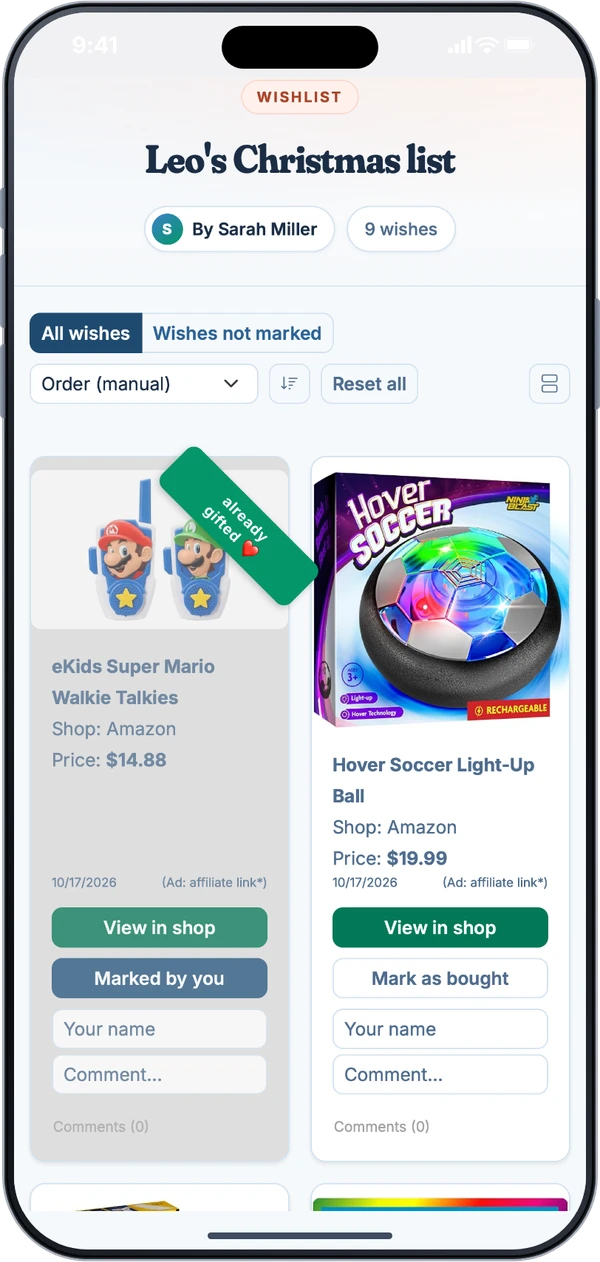
It’s a list across every store, made for guests who just want to know what you need. It isn’t a full registry service. If one of these matters most to you, a store registry may suit you better.
Your address isn’t on the list. Guests check out at the store, so they need your address from you, or they bring the gift to the shower.
There’s no diaper or college fund, and money doesn’t move through the app. You can add a wish by hand, like “Diapers for the first month,” and guests buy it wherever they like.
Those come from a store’s own registry. Guests pay whatever the store charges, so nothing on your list gets cheaper after the shower.
Not sure what to add? These categories cover most of the first year. Paste a product link from any store to add it to your list.
List what you actually need, from any store, and keep adding as you find out what’s missing. Your own list doesn’t show what’s been marked unless you turn that on.
Put the link on the invitation and you’re done answering “What do they need?” Everyone gets the same answer from the same list.
They tap the link, see what’s still open and pick something in their budget. There’s nothing to install, and that goes for Grandma, too.
Something else on your mind? Write to support@mywishlistonline.com and a real person answers.
Not quite. For your guests it works like one: they open a list, see what’s still open and mark what they’re buying. But gifts are bought at each store, so there’s no shipping address on file, no cash fund and no completion discount.
No. They open your link in any browser. Grandma doesn’t have to install anything or sign up.
Yes. Paste a product link from any online store. For many stores the picture and price come in on their own. If they don’t, type them in. You can also add a wish by hand.
Use the note on the wish. There’s no separate field for size, color or quantity, so the note is where that goes.
Wherever the guest chooses at the store’s checkout. The app doesn’t store your address, so tell guests where to send gifts, or ask them to bring them to the shower.
Yes, but they work that out themselves. A gift can be marked once, so one person marks it and the group settles up on their own. The app doesn’t split payments.
With the shower invitation is a good time, so guests have a few weeks to shop. You can keep adding wishes after you share it.
Yes. There's no subscription and no paid tier. When someone buys a gift through a store link on a list, the store may pay us a small commission. The price stays the same for them.
Cost, accounts and privacy are covered in the FAQ.
One list across all your favorite stores, for guests to shop from.

Send the list with the invite and skip the third fire truck.

One list per kid, shared with every grandparent, aunt and uncle. Nobody buys the same toy twice.
Guests only need the link. Hand it to your shower host today.