
Christmas
One list per kid, shared with every grandparent, aunt and uncle. Nobody buys the same toy twice.
Free on iPhone, Android and the web
Add gifts from any online store, then share the link with everyone who keeps asking what you want. In the app, you start with no account. In a browser, you start from a ready-made list.
Or get the app for iPhone and Android:
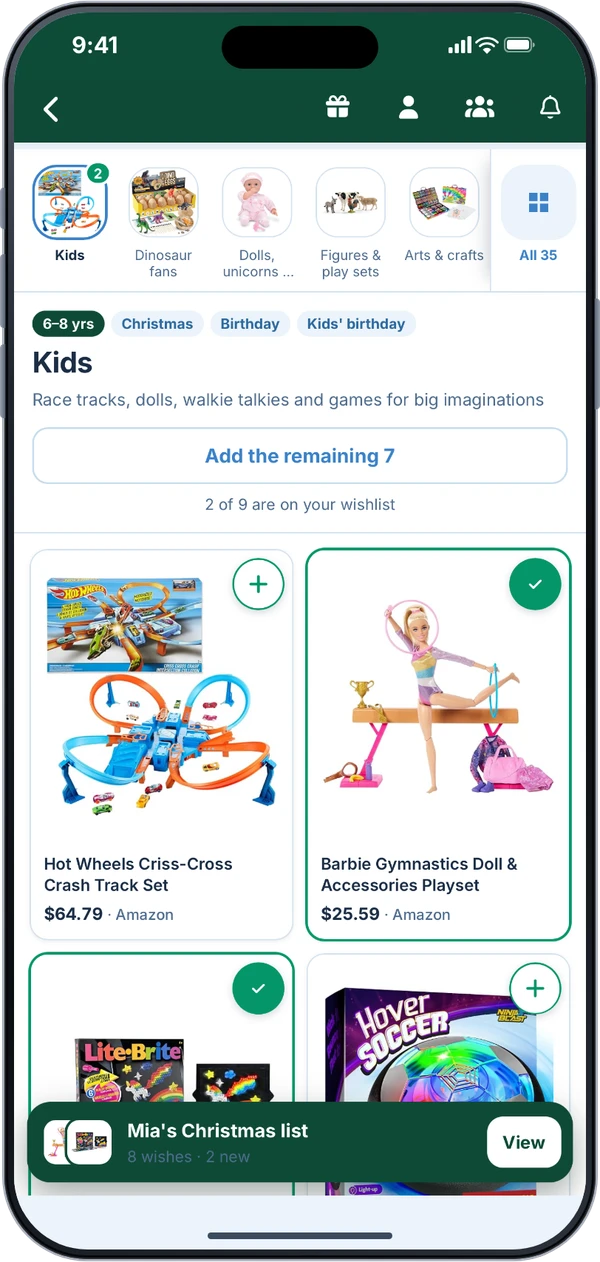
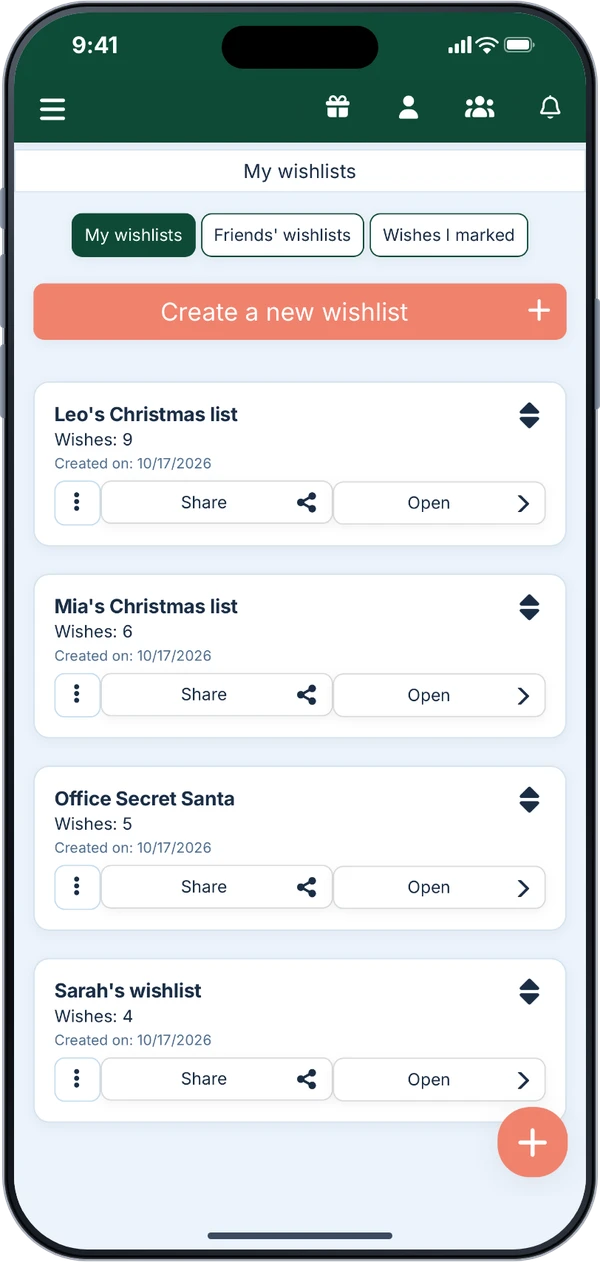
In the app, you start right away with no account. In a browser, pick a ready-made list and make it your own, or sign in with your email to start blank.
Paste a product link from any store. For many stores the picture, title and price come in on their own. For anything else, type it in.
Send it by text or email, or show the QR code. Family and friends open it in any browser and mark what they’re buying.
In the app, you start with no account, browse stores right inside it and get notifications. In a browser, you paste links and use ready-made lists, with nothing to install. A blank list in the browser needs an email address.
When someone marks a gift as bought, your own list doesn’t show it and you don’t get a notification, unless you turn that on. Your share link shows what’s taken, so if you open it yourself, you’ll see what everyone else sees.
Each occasion has its own page with gift ideas and ready-made lists.
One list per kid, shared with every grandparent, aunt and uncle. Nobody buys the same toy twice.

Create a group, share the link, we draw the names. Wishlists optional.

For the friend who asks what you want every year.

Send the list with the invite and skip the third fire truck.

Everything the baby needs, from any store, in one list.

One list across all your favorite stores, for guests to shop from.

For the friends who ask what the new place still needs.
Since 2017, families in Germany, Austria and Switzerland have used it for Christmas and birthdays. Now it's in English, with US stores and prices in dollars. It's made by a small team in Germany, and if something goes wrong, a real person answers your email.
Germany, Austria and Switzerland, October 2026
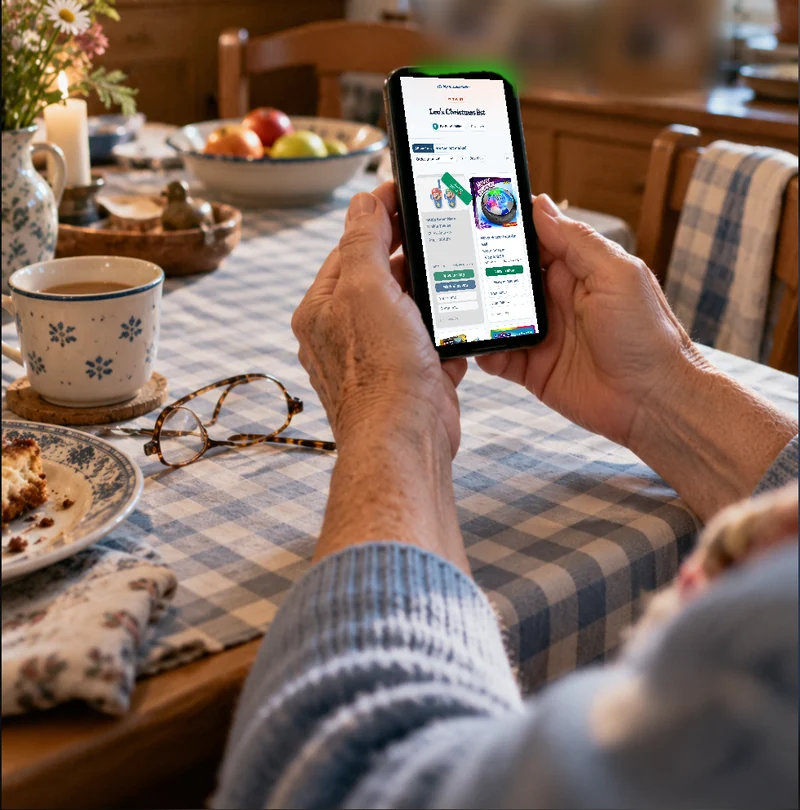
You don't get support this great and this fast everywhere!
You can get going right away without signing up, if you want…
Something else on your mind? Write to support@mywishlistonline.com and a real person answers.
Not in the app. Download it and start with no account, no email and no password. Your list stays on that phone until you add an email address. In a browser, you can start from a ready-made list without an account. For a blank list there, you sign in with a code we email you.
In the app, you can start without an account, browse stores right inside it and get notifications. In a browser, there’s nothing to install: you paste links and use ready-made lists on any phone, tablet or computer.
Yes. Copy the product link from any online store, like Amazon, Target, Walmart, Etsy or Best Buy, and paste it in. For many stores the picture, title and price come in on their own. If they don’t, type them in. You can also add a wish with no link at all, like swimming lessons.
Yes. There’s no subscription and no paid tier. When someone buys a gift through a store link on a list, the store may pay us a small commission. The price stays the same for them.
Ready-made lists for kids, teens and grown-ups. In the app or in your browser, with no account either way.