How-to
How to Make a Wishlist From Multiple Stores (With Links)
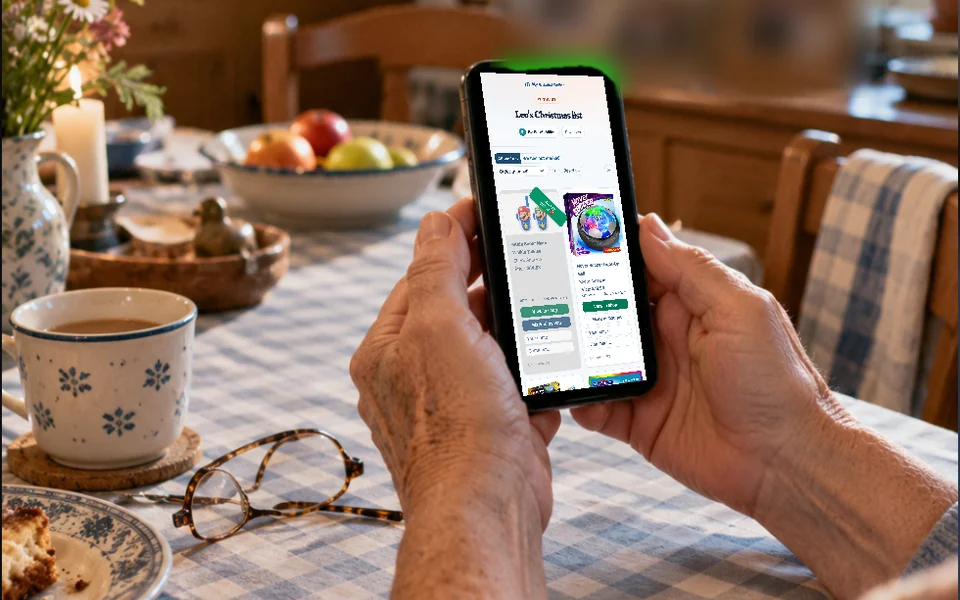
To make a wishlist from multiple stores, copy each product’s link and paste it into a list that isn’t tied to one store. You then share a single link, and anyone buying for you lands on the exact product in one tap. Here’s how the options compare, the steps to follow and why the lists inside Amazon or Target won’t do this for you.

Why store lists don’t cover this
Big stores have list features of their own, and the ones we looked at center on their own products.
- Amazon: Its help pages say you can add items for sale on Amazon, including marketplace sellers. They don’t mention other stores.
- Target: Its help center says a Target registry can’t take items from other websites. The universal registry option ended in February 2023.
- Etsy: Favorites and collections hold Etsy listings. You can set them to public or private.
- Walmart: It runs its own gift registry and wishlist. We didn’t check whether it accepts items from other stores.
Step by step
Create a wishlist has the full walkthrough. You can work in a browser with nothing to install, and the app is on the download page.
- Start a list: Give it a name like “Mia’s birthday.” In our app you can start with no account. In a browser, start from a ready-made list or sign in with your email.
- Pick the version first: Choose the color and size on the product page before you copy. Many stores keep that choice in the link, so the buyer lands on the right one.
- Copy the link: On a computer, use the address bar. On a phone, use the share button. Take the link from the product page, not from search results or your cart.
- Paste and check: For many stores, the photo, title and price fill in on their own. If something’s missing, type it in.
- Add a note: Size, color or “not the red one” goes in the note, since there’s no separate field.
- Share it: Send the link by text or email, or show the QR code. It opens in any browser, with no app and no account.
A sample list: Mia’s birthday
Here’s what a list from five sources can look like. The notes save your family a round of texts, and the wish with no store sits right next to the others. Each list has its own link, so make a new one for Christmas instead of reusing this one. That way you decide for each occasion who gets it.
| Wish | From | Note |
|---|---|---|
| Bike helmet | Link from Target | Size medium, blue if possible |
| LEGO set | Link from Amazon | Set number is in the name, in case the link stops working |
| Art print | Link from an Etsy seller | 8 x 10, for the hallway |
| Book 3 in the series | No link, any bookstore has it | Mia already has books 1 and 2 |
| Swimming lessons | No store | Ask Dad about dates |
What usually goes wrong
- Missing photo or price: Some stores block automatic lookups. Add the details yourself, with your own photo if you like.
- Dead links: Clearance items and marketplace listings can disappear. Open each link on your phone once before you send the list.
- Wrong model: Similar products get mixed up, so put the exact model name in the note in case the link changes.
- Old prices: The price stays as it was when you added the wish, and we don’t send price alerts. The store shows the current one.
- Wanting two: You can’t set a quantity. Add the wish twice, since each one can only be marked once.
Wishes with no link, and a note on affiliate links
A wish only needs a name, so the link and price are optional. That leaves room for swimming lessons or a day at the zoo. Without a link, people only know what you write, so say what matters and where to get it.
You should also know how we get paid. Links you paste become affiliate links when someone opens them, if we partner with that store. In the US, that’s mainly Amazon so far. The product and price stay the same, and we earn a small commission. At other stores, we earn nothing. As an Amazon Associate we earn from qualifying purchases. The FAQ has the details.
Common questions
Which stores can I add links from?
Any online store with a product link, whether that’s Amazon, Target, Walmart, Etsy or a small shop. For many of them, the photo and price fill in on their own. For the rest, type them in.
Can I add items from other stores to my Target or Amazon list?
Target’s help center says a registry can’t take outside items, since its universal option ended in February 2023. Amazon’s help pages describe items sold on Amazon. For wishes from several stores, use a list that isn’t tied to one of them.
Do my friends need an app to open the links?
No. The list opens in any browser with no account, and one more tap takes them to the store. When they tap “Mark as bought,” everyone else sees the wish is taken.
Can I do this on a computer?
Yes. In a browser you paste links the same way. You can start from a ready-made list without an account, and a blank list needs an email address. The app adds a store browser and notifications.
Sources
- Amazon: Create Your List (checked October 31, 2026)
- Target: Can I add items from other websites to my registry? (checked October 31, 2026)
- Etsy: How to keep track of items and shops you love (checked October 31, 2026)
- Walmart: Creating a gift registry or wishlist (checked October 31, 2026)